Make Record
Capture the bill with the saved camera and read it with OCR that runs locally on the PC.

 Available on request
Smart reading • Accurate record • Faster billing
Mirror Timing Record ERP records bills and invoices at the counter. MAKE RECORD captures the bill with a USB camera or webcam and reads it with local OCR on the PC. Each record keeps the invoice number, dates, net total, record time and the bill image, and can be found again from RECORD FIND. Master settings cover reading, camera, backup and the Master PIN.
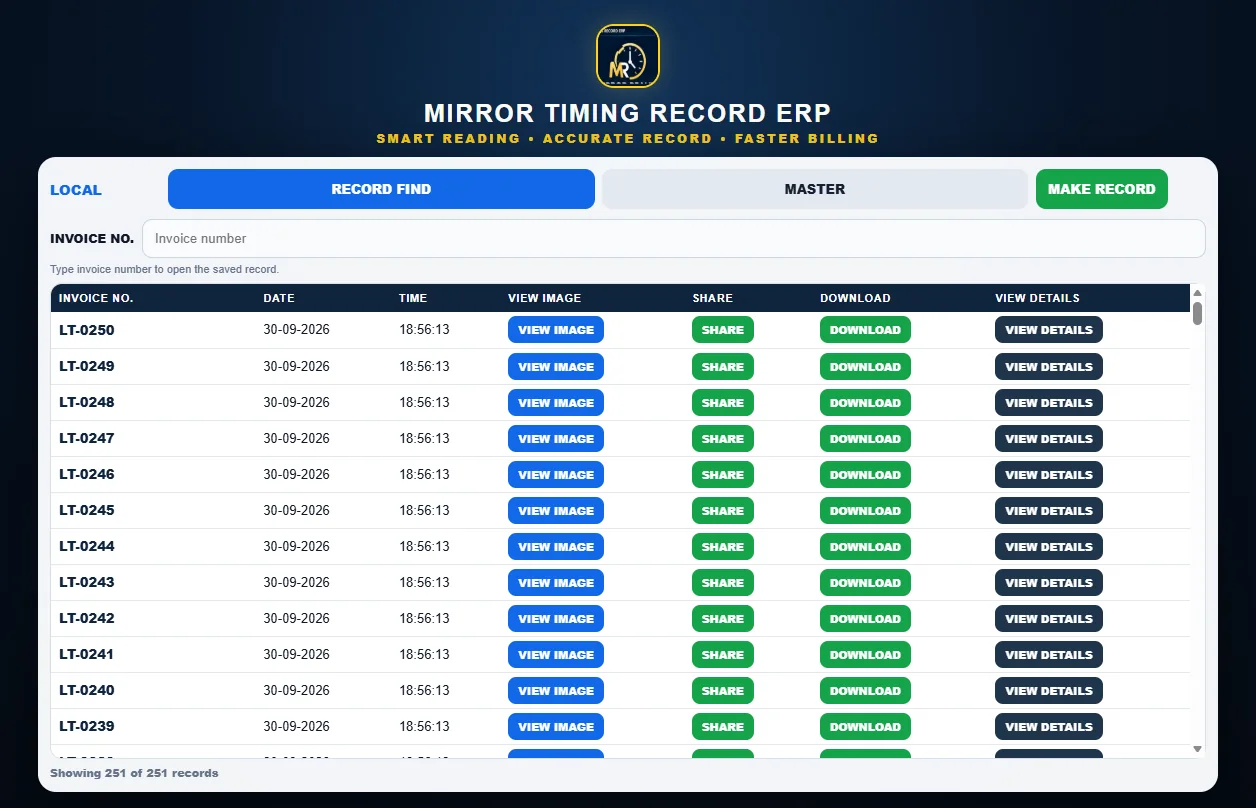
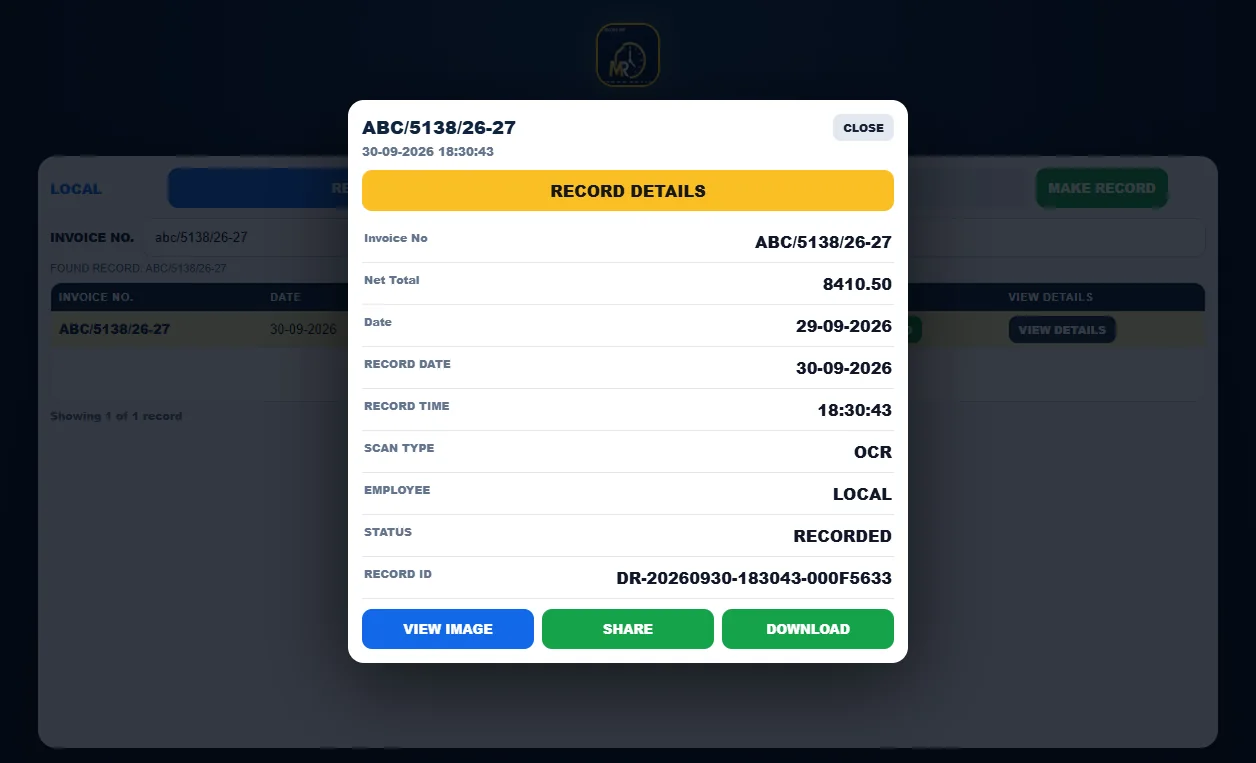
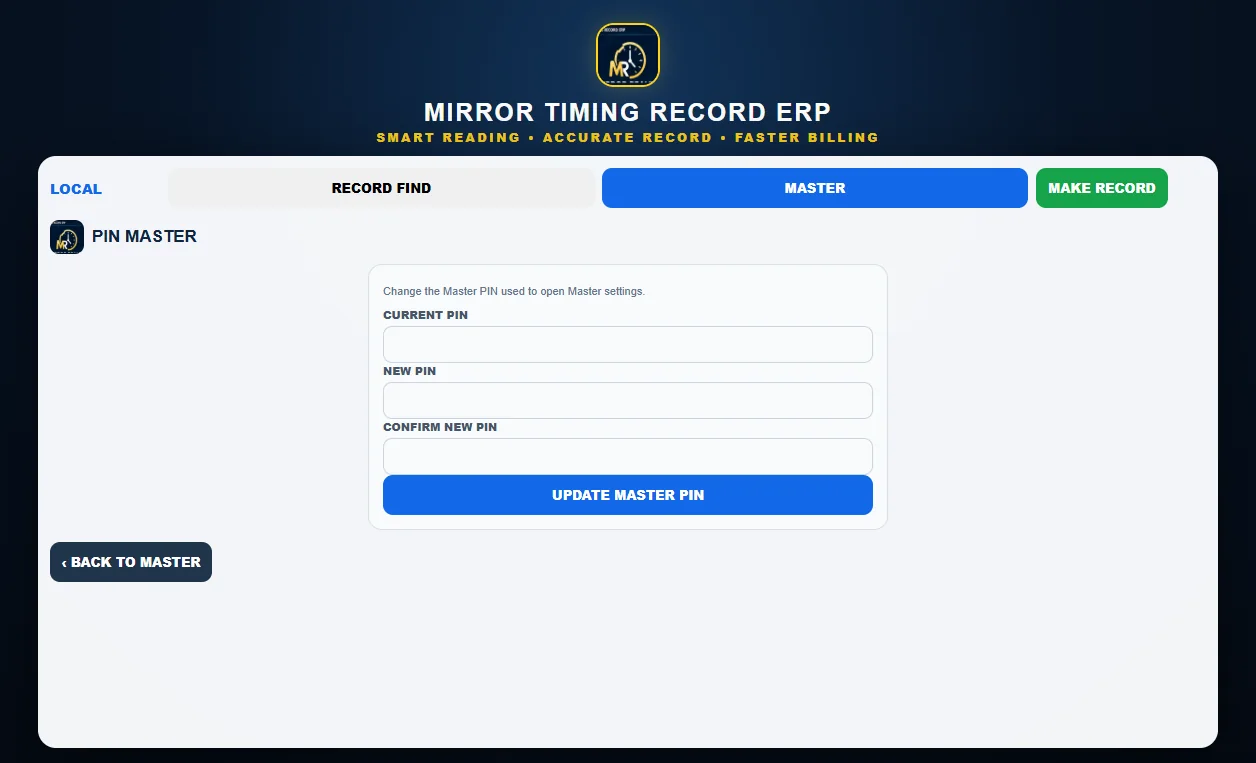
Real application screens. Records shown are test data.
Capture the bill with the saved camera and read it with OCR that runs locally on the PC.
Type an invoice number to open the saved record. View image, share, download or view details.
Invoice number, net total, bill date, record date and time, scan type, employee, status and record ID.
Choose and preview the camera. MAKE RECORD always uses the saved camera and reports clearly if it is unplugged.
Local backup folder, Google Drive folder copy, email backup, daily backup time, retention days and restore.
Master settings are protected by a Master PIN that can be changed in PIN MASTER.
Runs in its own Mirror window with the Mirror icon in the taskbar.
The installer is provided to customers directly. It is not published as a public download yet.
Pricing for Mirror Timing Record ERP is provided on request.
Ask for pricingNo. Bill reading runs locally on the PC.
A USB camera or webcam. The camera is selected once in CAMERA MASTER.
Request a download. The installer is provided to customers directly.