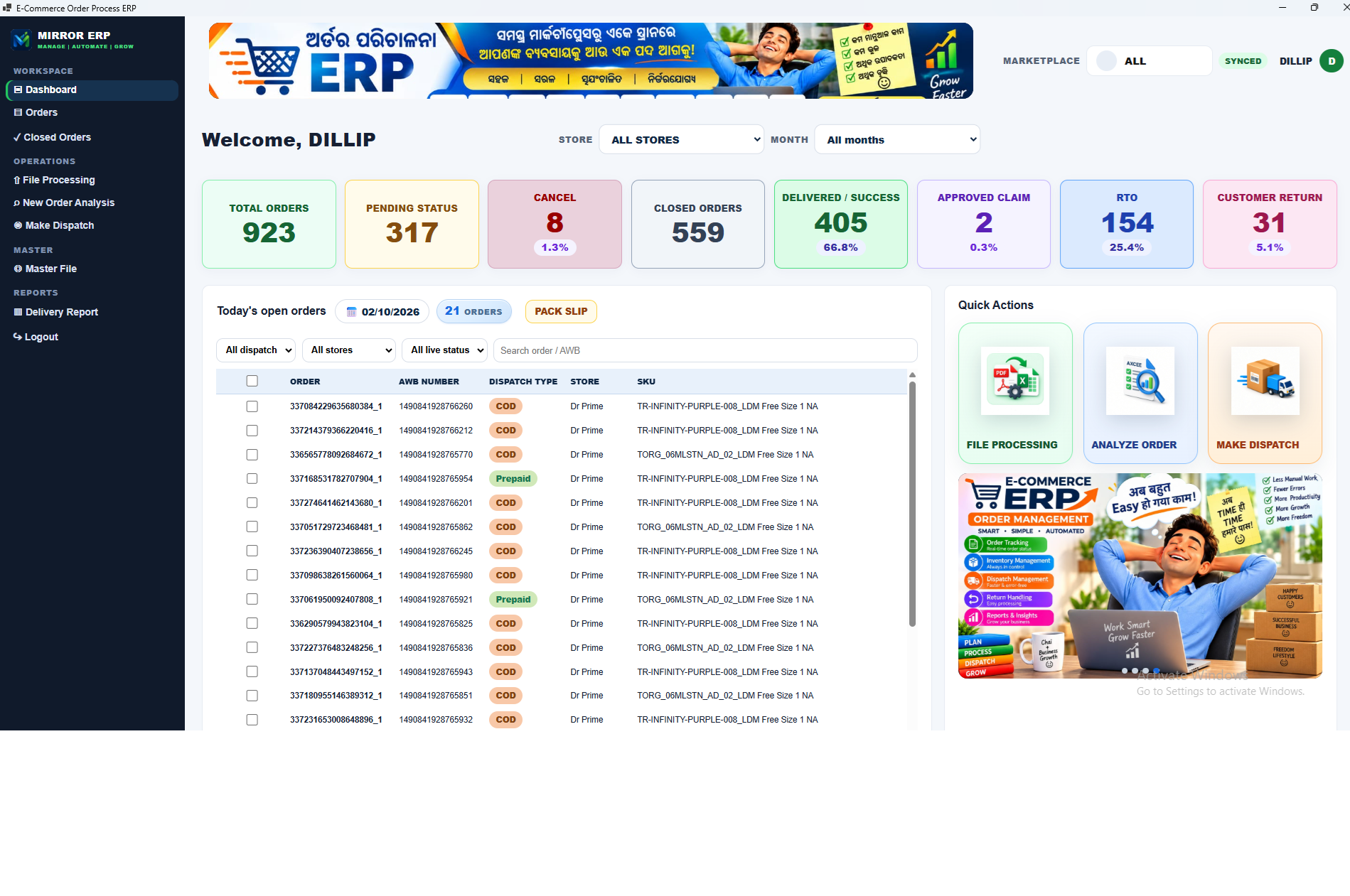
Mirror E-come ERP Available
SHA-256 E22AB9ECD4F4CBCA5AC3862229AB97858B6154F60F30E624DD0CC6C31E130672
Extract, run INSTALL.bat, open the MIRROR ERP desktop shortcut, then login. Download is not license activation.

Downloads
Official Mirror software downloads. Only published files are listed. Download does not activate a license.
SHA-256 E22AB9ECD4F4CBCA5AC3862229AB97858B6154F60F30E624DD0CC6C31E130672
Extract, run INSTALL.bat, open the MIRROR ERP desktop shortcut, then login. Download is not license activation.

The installer is provided to customers directly. It is not published as a public download yet.


Mirror ERP
One licensed customer identity. Offline ERP first. Online ERP when that license is enabled.
The customer receives and installs the Windows Offline ERP first. Daily operations run on the business PC. Download does not activate the ERP.
When Admin/Master enables Online permission on the same license, that customer can use the Online ERP with the same authorized identity. This is not a second unrelated product.
Customer → License → Activation code (issued privately) → Device(s) → Offline ERP → Online ERP when enabled.
Activation codes are generated server-side and are not shown on this public page. Sign in to the customer dashboard for download and license status.
Downloads for licensed products will move into the customer portal (My Products → Downloads) when the Mirror License Manager is released. Until then, published files are listed above and licensed Mirror ERP customers can download from their dashboard.